

Introduction: AI Without Internet Is Now Real
What if you could use powerful AI without Wi-Fi, without mobile data, and without paying ₹4,000+ per month?
That’s no longer a hypothetical.
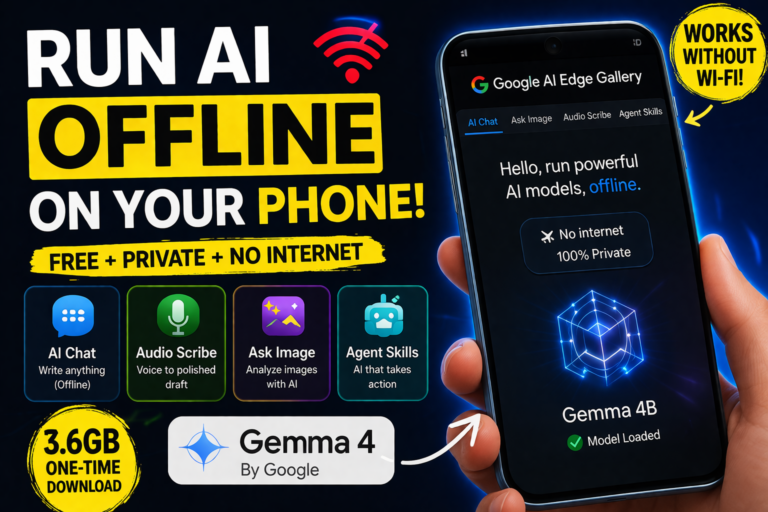
With Gemma 4 and Google’s AI Edge Gallery, you can now run AI directly on your phone — completely offline.
No cloud. No subscriptions. No data leaving your device.
In this guide, you’ll learn:
- How to install and set up Gemma 4
- What it can actually do
- Whether it can replace tools like ChatGPT and transcription apps
The Problem: AI Tools Are Getting Expensive
Most users today rely on multiple AI tools:
- ChatGPT Plus — ₹1,999/month
- Google AI Pro — ₹1,950/month
- Transcription tools — ~₹320/month
👉 Total: ₹4,269/month (~$42)
And all of them require:
- Constant internet
- Cloud processing
- Data sharing
This is where on-device AI changes everything.
What Is Gemma 4?
Gemma 4 is a lightweight AI model designed to run locally on devices like smartphones.
It works inside the Google AI Edge Gallery app, which acts as the interface.
Key Idea:
- App = Interface
- Model = Brain
Once downloaded, the AI runs entirely on your phone.
How to Run AI Offline on Your Phone (Step-by-Step)
Step 1: Download Google AI Edge Gallery
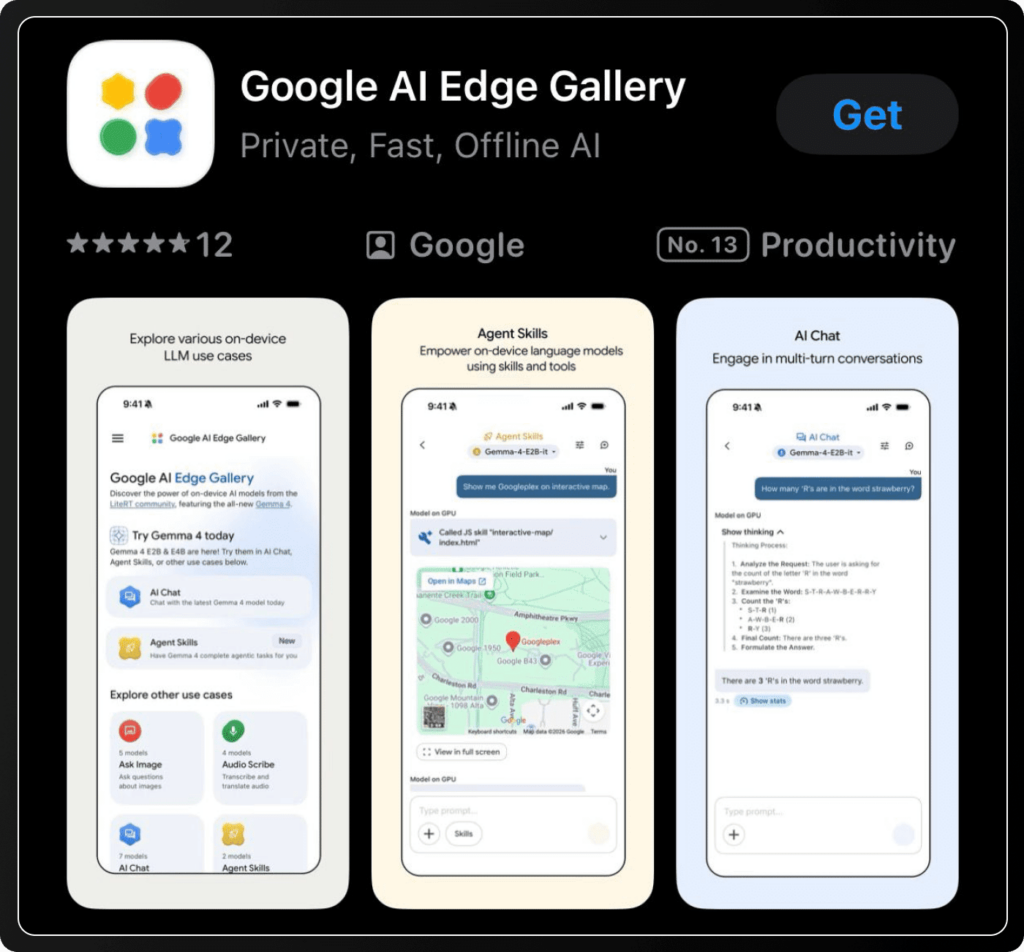
- Go to Play Store (Android) or App Store (iPhone)
- Search: Google AI Edge Gallery
- Install and open the app
You’ll see:
- AI Chat
- Ask Image
- Audio Scribe
- Agent Skills
Step 2: Download the Gemma 4 Model
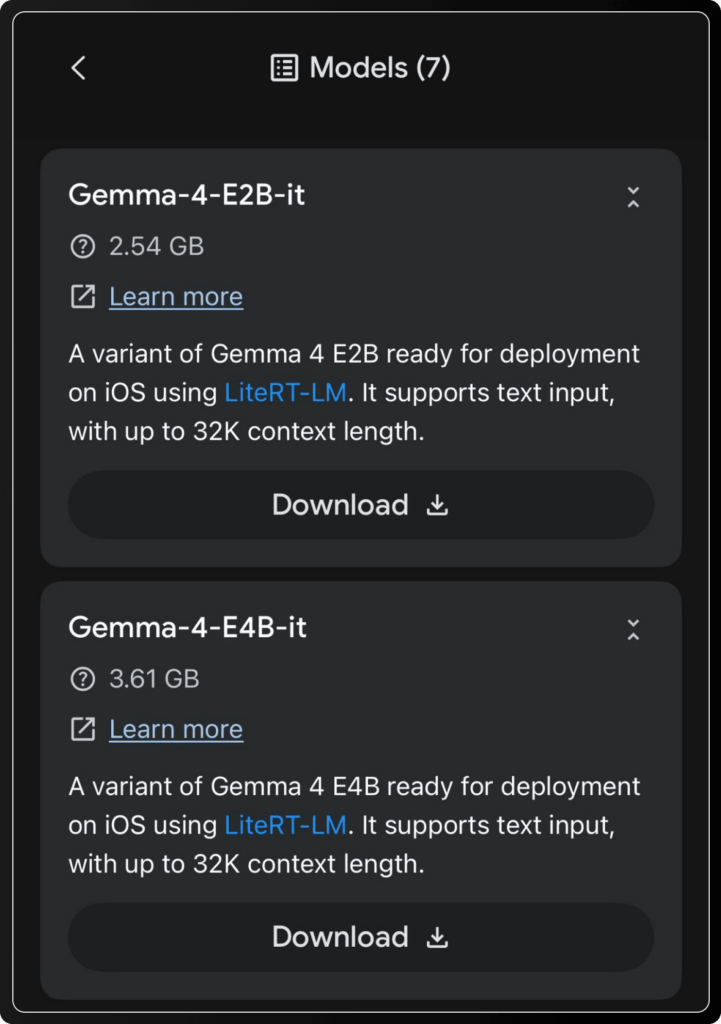
Before using AI, you need the model:
- Choose: Gemma 4 (4B version)
- Size: ~3.6GB
- One-time download
Once installed, you can use AI even in airplane mode.
Features: What Gemma 4 Can Do
1. Offline AI Chat (Private & Instant)
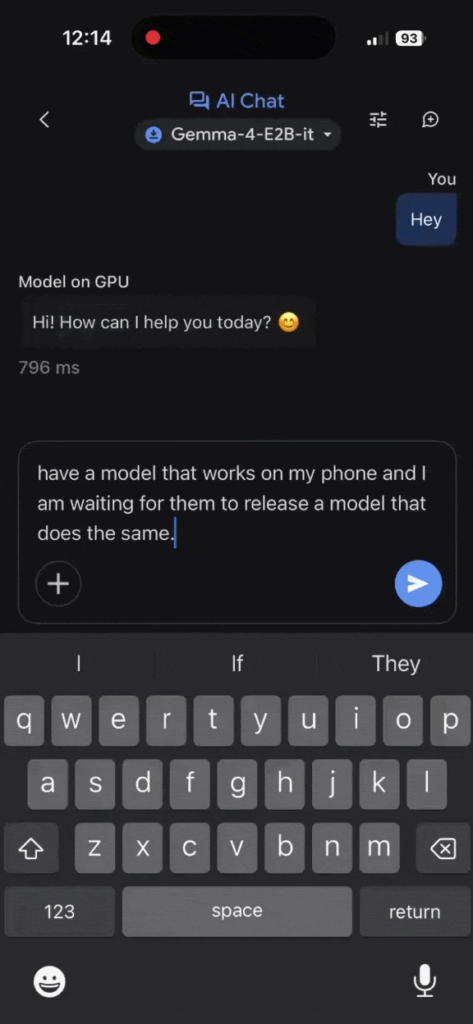
Turn off your internet and try this:
- Open AI Chat
- Enter a prompt
- Get instant responses
Why it matters:
- No server latency
- Full privacy (data stays on device)
- Works anywhere
👉 Perfect for sensitive writing and client communication
2. Voice to Structured Content (Built-in Transcription)
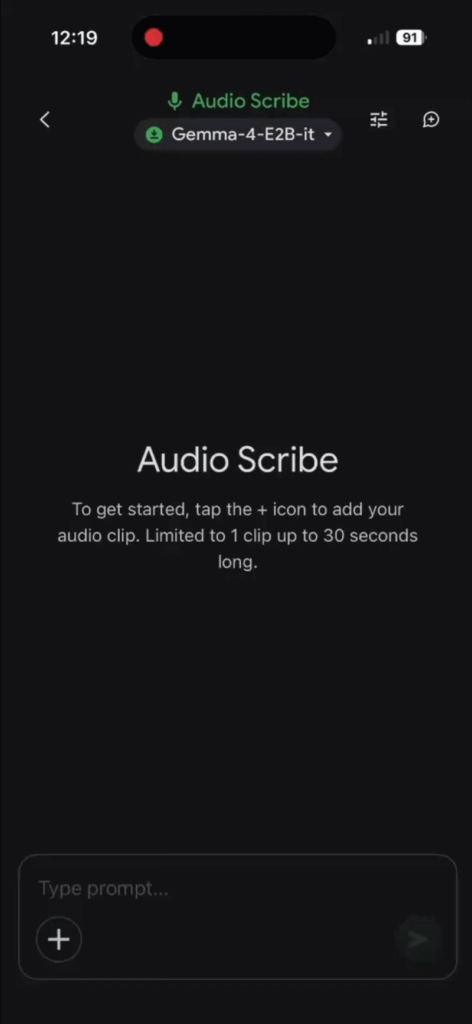
Using Audio Scribe:
- Speak naturally
- AI transcribes your speech
- Converts it into a structured draft
You get:
- Clean paragraphs
- Subject lines
- Professional formatting
Unlike most tools, it doesn’t just transcribe — it edits and formats automatically.
3. Agent Skills (AI That Takes Action)
This is the most powerful feature.
Instead of just answering, AI can:
- Choose tools
- Execute actions
- Display results
Examples:
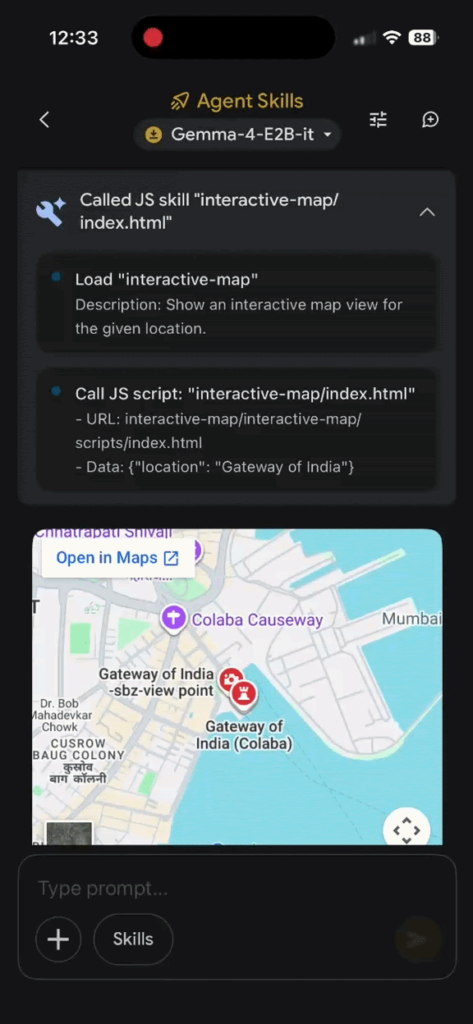
Map Search
“Show Gateway of India”
→ Opens interactive map inside app
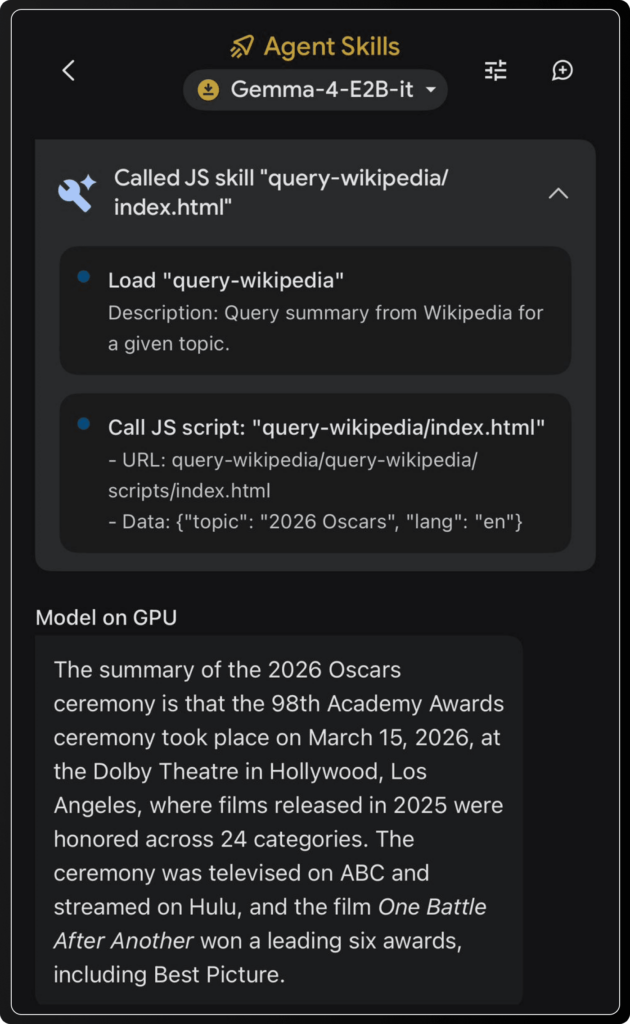
Information Lookup
“Summarize 2026 Oscars”
→ Fetches and explains key highlights
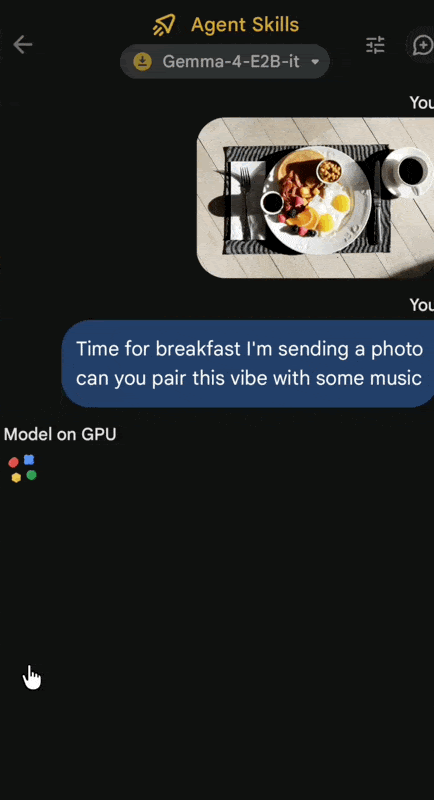
Image + AI (Multimodal)
Upload a photo → Get insights + music suggestions
👉 This is called agentic AI — and it’s running locally.
4. Custom AI Tools (Advanced Users)
You can:
- Enable/disable AI skills
- Build custom workflows
- Customize responses
This makes it useful for:
- Freelancers
- Developers
- Productivity systems
Gemma 4 vs Cloud AI (ChatGPT, Gemini, etc.)
| Feature | Gemma 4 (Offline) | Cloud AI |
|---|---|---|
| Internet Required | ❌ No | ✅ Yes |
| Privacy | ✅ Full | ❌ Limited |
| Speed | ⚡ Instant | ⏳ Depends |
| Cost | 💸 Free | 💰 Monthly |
| Power | ⚠️ Moderate | 🚀 High |
Verdict:
- Use Gemma 4 for privacy + daily tasks
- Use cloud AI for heavy workloads
Limitations You Should Know
To stay realistic:
- Smaller model = less powerful than GPT-4 level AI
- Limited real-time data (offline mode)
- Not system-wide like some premium tools
👉 But for a free tool, it delivers massive value.
Who Should Use This?
This setup is perfect for:
- Freelancers handling sensitive client work
- Students needing offline AI
- Writers and creators
- People tired of monthly AI subscriptions
Final Thoughts: The Future of AI Is Local
Most people won’t switch off their internet just to test this.
But that’s not the real takeaway.
👉 The real shift is ownership + privacy
You now have:
- AI that runs on your device
- Zero monthly cost
- No data tracking
This is the beginning of a new category:
Local AI (Edge AI)
And it’s only going to get better.
FAQs
Is Gemma 4 better than ChatGPT?
Not in raw power, but it wins in privacy, cost, and offline access.
Can I use AI without internet on my phone?
Yes, with tools like Gemma 4 running locally.
Is Google AI Edge Gallery free?
Yes, both the app and model are free.
How much storage does it need?
Around 3.6GB for the 4B model.

This is honestly one of the clearest guides I’ve seen on running AI offline on mobile—great work breaking it down step-by-step.
What stood out to me is how practical this has become. A year ago, running LLMs locally felt like a developer-only task, but now with tools like the AI Edge Gallery, it’s literally a few taps and you’re up and running. The privacy angle is a huge win too—no data leaving the device is a big deal for many users.
I also liked how you explained the difference between E2B and E4B. Most people don’t realize that choosing the wrong model is the main reason for poor performance on phones.
One thing I’d add for beginners:
If someone has less than ~6–8GB RAM, they should definitely start with E2B, otherwise they might think the whole setup is slow or broken.
Overall, this guide makes offline AI feel accessible, not intimidating. Looking forward to seeing more real-world use cases from you—especially automation or business workflows using this setup